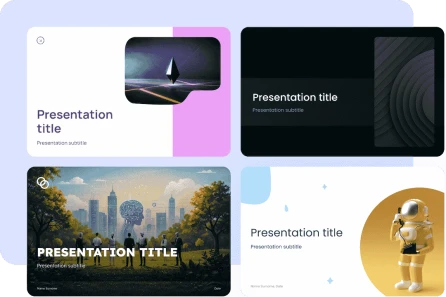
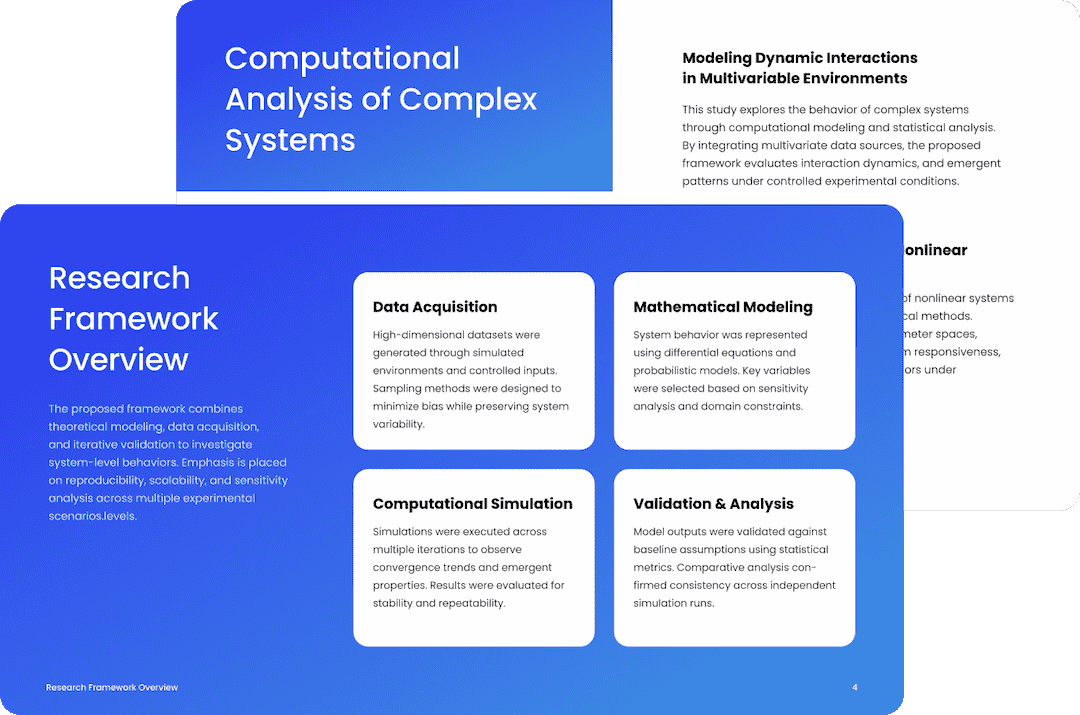
Rapidly make presentations
From PDF to PPT AI

Convert PDFs to PowerPoint with AI for Pre-Presentation Slides

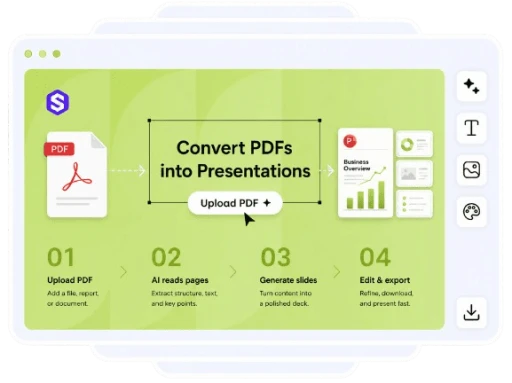
Quickly and easily create a well-organized presentation from any PDF by uploading it here. Professionals, teams, and students may use it to create professionally looking presentations without having to copy and paste or do any design work by hand.
AI PDF to PPT
Create presentation
Get started for free, no credit card required
AI PDF to PPT

Effortlessly Transform PDFs into Slideshows

With Slideonic AI, even the most dense PDFs can be transformed into editable PowerPoint presentations with thoughtful organization, streamlined layouts, and concise explanations.

Quickly Convert PDF to PowerPoint

Quickly receive a full draught of your presentation after uploading your PDF. It is unnecessary to manually prepare each slide, reconstruct parts, or copy content.

Try AI maker
Slideonic AI presentation

Summarizing Smart Content

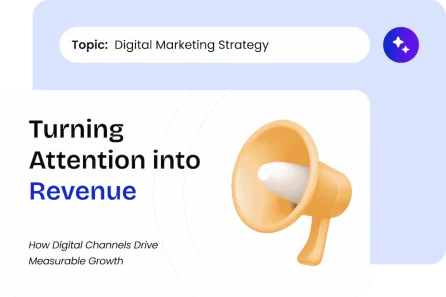
With the help of AI, your lengthy documents may be condensed into concise, easy-to-follow slides by identifying and highlighting the most important information.

Try AI maker
Slideonic AI presentation outline

Clear Presentation Layouts

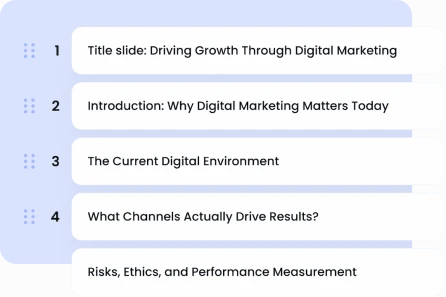
To ensure that your presentation comes out as polished right from the get, we have organized each slide with understandable text, clear headers, and appropriate space.

Try AI maker
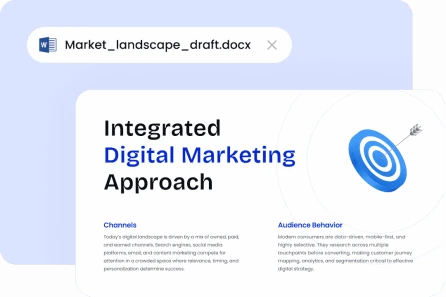
Documentation-based generation Slideonic

A Breeze to Edit

You have the option to edit the text of the slides, change their order, rearrange their structure, or make other design adjustments before you save and share your finished deck.

Try AI maker
Slideonic AI presentation generator
Try AI maker

Easily Transform PDF to PowerPoint

Making a presentation out of your paper is as easy as three clicks.
Slideonic AI Let’s build your deck

01. Submit Your PDF

Just drag and drop the PDF file you want to convert to AI format from your device.

02. Have AI create the slides

03. Make Changes and Save

Take a look at the slides, make any necessary changes, and then save your presentation.

Benefits of Using Slideonic AI

image

Slides that may be edited directly from your PDF

image

Summarize lengthy materials intelligently

image

Simplified presentation format and flow

image

Custom deck designs by industry experts

image

Efficiently export for show purposes

image

Work, study, and client decks come in handy

Show more

Critiques from Users

Slideonic AI helps users quickly and easily make professional presentations from PDFs.
people
View how users effortlessly convert papers into decks. Show now arrow
quote

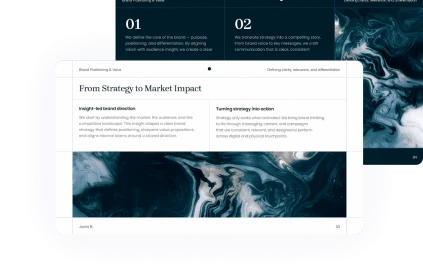
Within minutes after uploading a lengthy course reading, I had a polished first draft of my presentation. I had to tweak a few of instances before giving my presentation, but the slides were spot-on in terms of covering the key elements.

author

Carter Emilio

Postgraduate Scholar

CEO, SaaS company Slideonic presentation example
quote

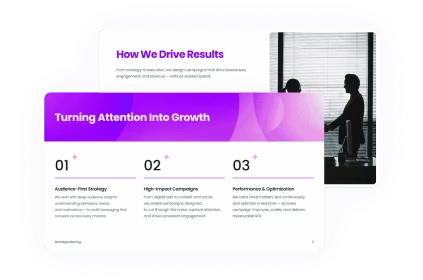
A PDF report was required for our team's client deck. Slideonic AI significantly reduced the amount of time we typically spend on slide preparation by providing us with a solid first draft with well-defined parts.

author

Emily Cork

Consultant for Strategic Management

Strategy consultant Slideonic presentation example
quote

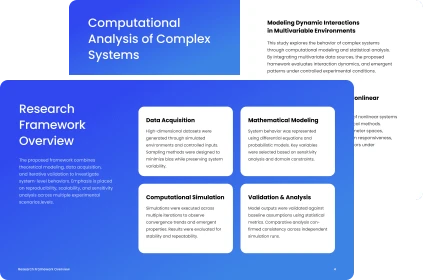
Even though I frequently employ PDF to PPT tools, this one really simplified the presentation of the material. It immediately generated well-organized slides by extracting the key points.

author

Adams, Rachel

Coordinator of Training

University lecturer Slideonic presentation example
quote

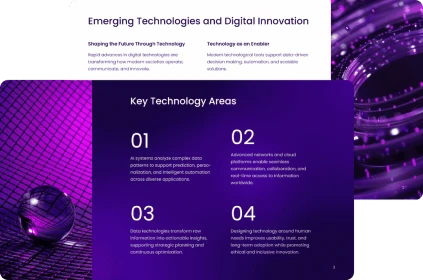
In order to make a more approachable presentation for a team meeting, I used Slideonic AI to transform a technical PDF. Without any further effort, the design appeared tidy, and the slide arrangement was logical.

author

Kim Daniel

Manager of Products

Master’s student in Technology Slideonic presentation example
quote

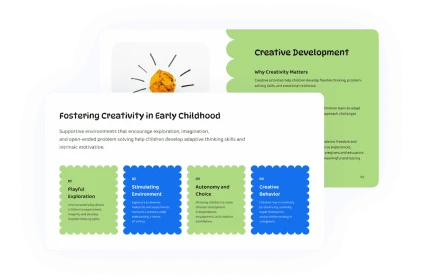
Prior to our call, I need slides from a PDF document. The application generated a practical deck in no time at all, complete with editable headers and brief text blocks.

author

Julia Martin

Director of Marketing

Child psychologist Slideonic presentation example

Powerful outcomes, straightforward pricing

Get started for free. When you are prepared, upgrade. Cancel at any moment.

7-day acess

$2.00

/ month

then $19.99 per month

Get started

Monthly plan

$14.99

/ month

$19.99

Get started

Save 65%

Annual plan

$9.99

/ month

$19.99

Get started

Require assistance?

Presentation builder powered by artificial intelligence (AI): all the data you need to transform written content into engaging presentations. Does not yet know? Report it to us.
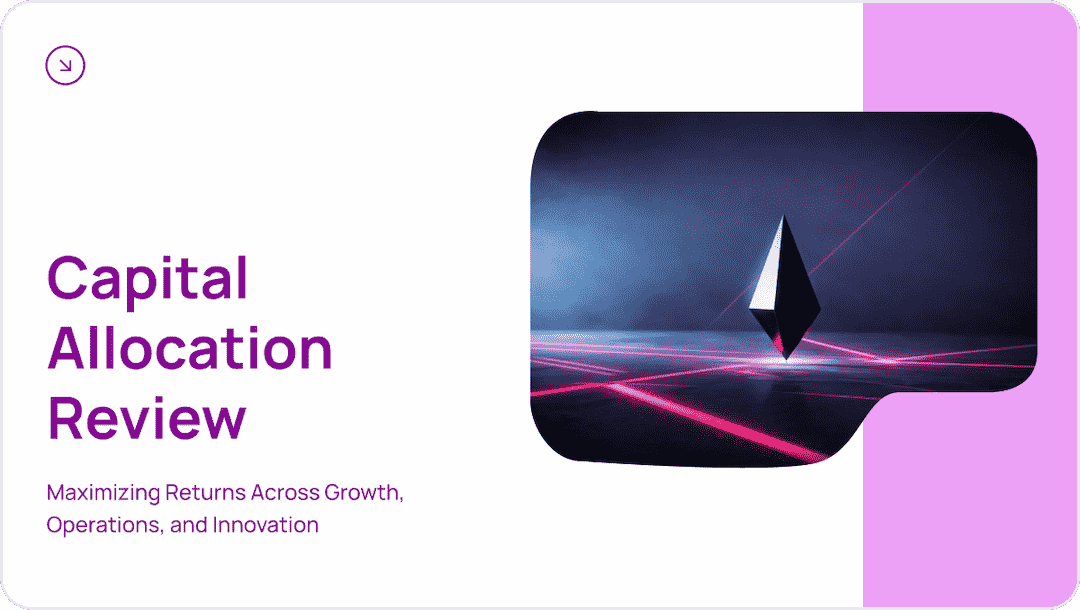

Business & Finances
Business & Finances

... and many more professional templates

See all templates
Start creating for FREE

Ideal for a Variety of Presentation Purposes

With the aid of Slideonic AI, you can easily convert PDF files into slides that are more conducive to sharing, presenting, and studying.

Individuals learning

Make PowerPoint presentations out of your class notes, readings, and papers for use in assignments and homework.

Commercial Groups

Present well-organized decks for meetings by transforming reports, suggestions, and guidelines.

Creators

Webinars, classes, and tutorials can benefit from repurposing PDF information into basic slides.
Show more

Converting PDF to PowerPoint Questions

Easily convert PDFs into presentation slides created by artificial intelligence.

How does an AI PDF to PPT converter work?

A PDF file may be transformed into PowerPoint slides using an AI PDF to PPT converter. An editable slide deck is generated after it scans the material, highlights important points, summaries dense content, and allows you to tweak it before presenting.

How can I use Slideonic AI to transform a PDF into a PowerPoint presentation?

Slideonic AI can process your PDF content, and you may inspect the created slides thereafter. You are able to export the finished presentation deck after editing the text, rearranging the order, and refining the structure.

Do you think AI can convert my PDF into slides?

Shorten lengthy PDFs into manageable slide text with the help of Slideonic AI. It simplifies the material while retaining the key points and cutting off extraneous details.

From which PDFs can I convert to PowerPoint?

The most effective PDFs include well-organized content such as sections, reports, notes, papers, guidelines, and proposals. For AI to generate a solid presentation draft, the document structure has to be as clear as possible.

Am I able to make changes to the slides once they've been converted?

To ensure that the finished deck is suitable for your subject, audience, and style, you may modify the produced presentation by adding or removing slides, changing text, or adjusting the flow.
Get started

Make a PDF Presentation Right Away!

You may create a presentation that is editable, shareable, and ready to present when you upload a PDF and use AI to produce clean slides.
Get started