Unable to locate your response? Please contact our support team.
How exactly does AI text-to-PPT work?
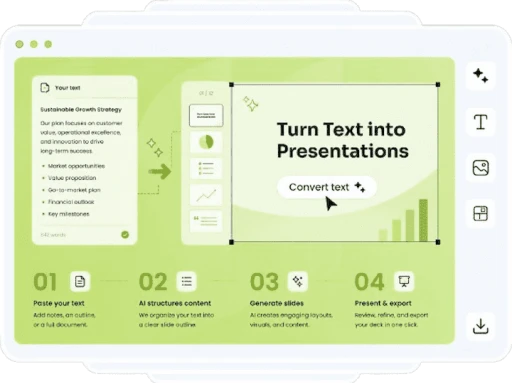
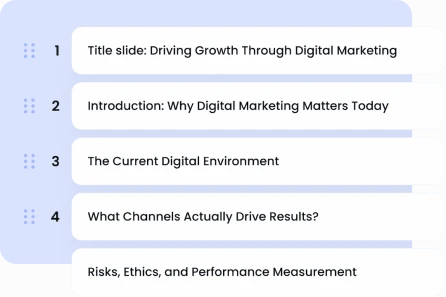
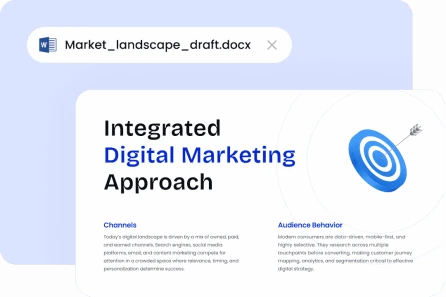
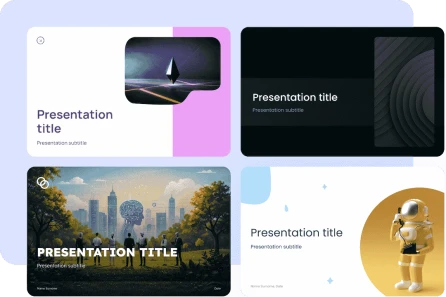
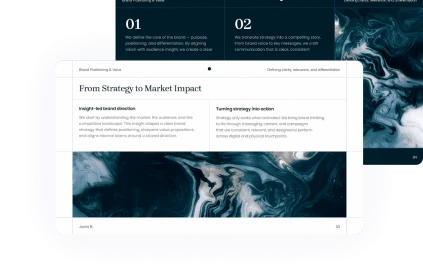
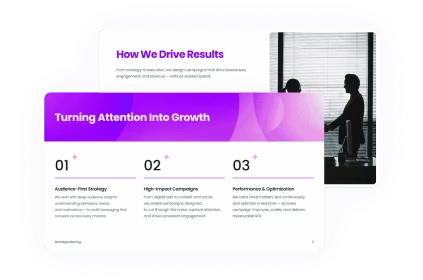
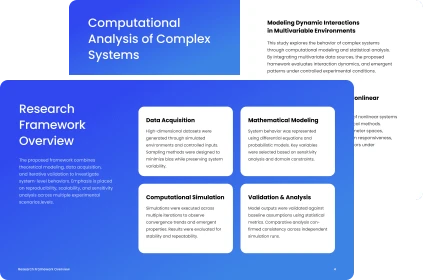
You can paste any type of document, a note, an outline, a prompt, or even a whole document, and the AI will analyze it, extract the important ideas, and organize them into a professionally designed and organized presentation. Feel free to make any necessary edits to the pre-selected layout, header, and bullet points before you export.
Can I convert text to PowerPoint from your site?
Yes. Avoid spending a dollar on your first presentation. Everything is easy to try out, but if you want access to all the premium features, like an infinite number of decks, themes, and export choices, you will need to pay for a membership.
Is it feasible to edit the slides that AI has created?
Of course! Customize any deck to your liking. Colors, slide layout, image replacement, and text editing are all within our editors purview. Alternately, you may export to PowerPoint or Google Slides and then modify there.
When exporting my deck, how can I choose the format?
Whether you are using PowerPoint (PPTX) or Google Slides, you can easily export your final presentation with just one click. Because your slides may be fully modified in either format, you keep all ownership and control over your material.
What is the average number of days needed to build a deck?
Presentations often last 30 seconds or less, even when using long documents. Your draft deck will be prepared for review and editing in seconds after you copy and paste your content and choose a style, saving you hours of tiresome preparation.