Easy PowerPoint creation with Word
Turning AI Words into PowerPoint

Automated Word to PowerPoint Conversion for Pre-Screened Slides

In just a few short minutes, you may transform a Word document into a well-organized presentation. Crafted for individuals, groups, and organizations in need of professionally-looking presentations without the hassle of copying and pasting or design effort.
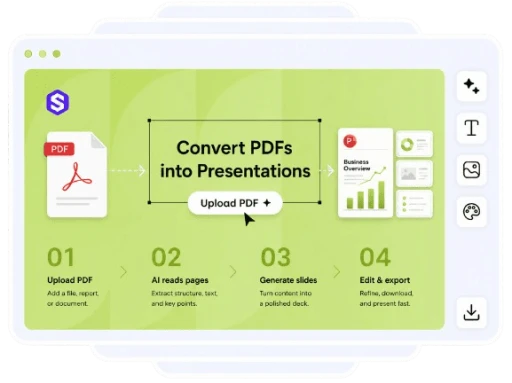
AI PDF to PPT
Create presentation
Get started for free
AI PDF to PPT

Make Slideshows from Word Documents with Little More Work

Using its intelligent structure, elegant layouts, and targeted summaries, Slideonic.AI transforms lengthy Word documents into editable PowerPoint-style presentations.

Simplified Word to PowerPoint

Rapidly obtain a full draught of your presentation after uploading your Word file. You won't have to manually format each slide, copy content, or rebuild parts.

Try AI maker
Slideonic AI presentation

Synopsis of Intelligent Content

With the help of AI, you may distill lengthy passages into concise, easy-to-read parts so your audience can easily navigate through your work.

Try AI maker
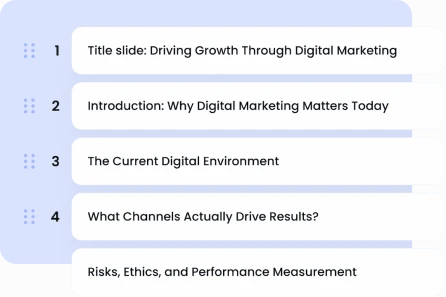
Slideonic AI presentation outline

Simple Slide Designs

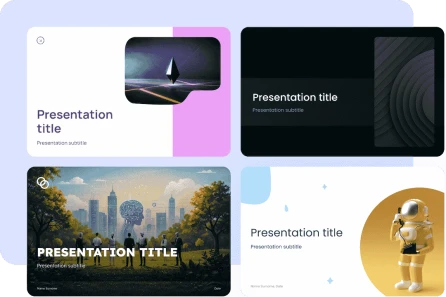
Your presentation will seem polished right from the bat because to the well-organized slides that have legible text, descriptive titles, and equal space.

Try AI maker
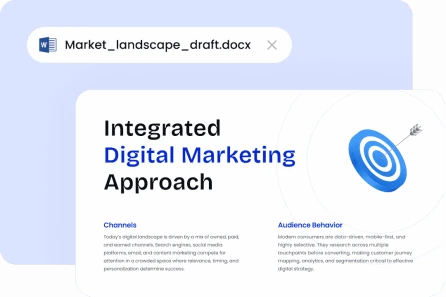
Documentation-based generation Slideonic

Simple Editing

Before you download and show your finished deck, make changes to the wording, structure, and order of the parts.

Try AI maker
Slideonic AI presentation generator
Try AI maker

Converting Word Documents to PowerPoint Presentations

It only takes three simple actions to transform your paper into a presentation.
Slideonic AI Let’s build your deck

01. save your Word document.

Just drag and drop your Word file onto the AI converter.

02. have AI create the slides.

Slideonic AI is the best presentation maker that analyses the document, extracts important concepts, and generates a well-organized presentation.

03. make changes and save

Before exporting your presentation, review the slides and make any necessary modifications.

Slideonic.ai and What It Offers

image

Customizable PowerPoint presentations based on your Word documents

image

Intelligent synopses of lengthy texts

image

Easy navigation and presentation structure

image

Expert deck designs for any outdoor space

image

Quickly export for use in presentations

image

Perfect for your study, office, or client decks

Show more

Reactions from Users

Quickly and easily make professional-looking presentations from Word files with the help of Slideonic AI.
people
Discover the easy way users may convert documents into decks. Show now arrow
quote

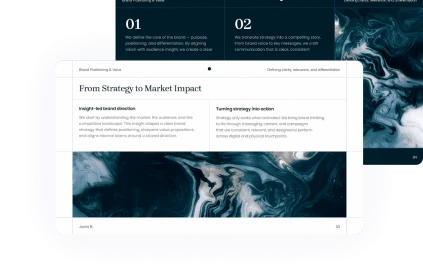
Within minutes after uploading my lengthy text, I had a polished first draft of my presentation. I had to tweak a handful of instances before presenting the same day to my team, but the slides were spot-on in terms of covering the key issues.

author

Benjamin Mark

Consultant

CEO, SaaS company Slideonic presentation example
quote

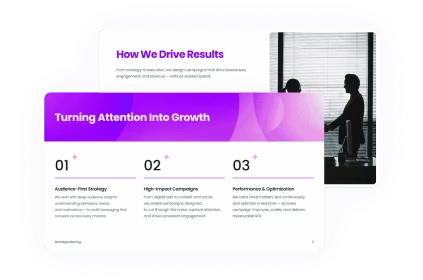
It was easier to convey the topic using this Word to PowerPoint converter than the ones I normally use. With its help, I was able to distill the key points into slides and immediately have a well-structured deck ready for training.

author

Emily P. Ward

Deputy for Training

Strategy consultant Slideonic presentation example
quote

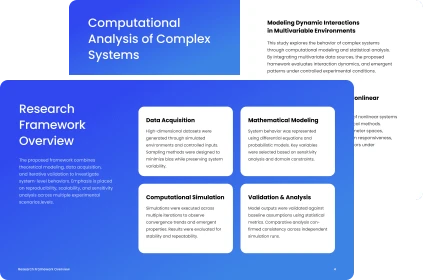
I used slideonic to simplify a Word paper that was too technical for a team meeting into a clear presentation. No further human effort was required to provide a clean appearance, logical slide sequence, and legible titles.

author

Kim Danielle

Manager of Product

University lecturer Slideonic presentation example
quote

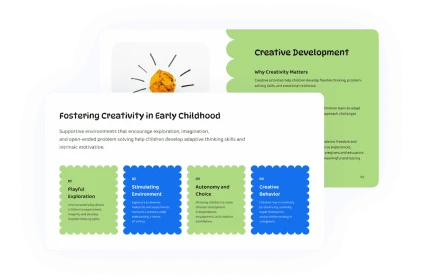
In order to prepare for a sales call, I required slides to accompany a Word proposal. I was able to swiftly modify the deck for the customer meeting without having to start from scratch thanks to the tool's ability to generate a practical deck with short text blocks and titles.

author

Octavia Spencer

Head of Marketing

Child psychologist Slideonic presentation example

Powerful outcomes, straightforward pricing

Get started for free. When you are prepared, upgrade. Cancel at any moment.

7-day acess

$2.00

/ month

then $19.99 per month

Get started

Monthly plan

$14.99

/ month

$19.99

Get started

Save 65%

Annual plan

$9.99

/ month

$19.99

Get started

Tailored to Meet a Variety of Presentation Needs

Slideonic AI makes it easy to convert Word documents into presentable presentations for everything from academic papers to commercial reports.

Those enrolled

Slides may be made from drafts, essays, and notes, making them ideal for study sessions or class projects.

Enterprise Groups

Make organized presentation decks using reports, proposals, and guidelines.

Creators

For use in online seminars, classes, and tutorials, convert Word documents into basic presentation slides.
Show more

FAQ about the AI Word to PowerPoint converter.

A Word document may be transformed into PowerPoint presentations using an AI Word to PPT converter. As it goes through the file, it finds the important parts, summaries the lengthy parts, and then makes a presentable, editable slide deck.

How can I use Slideonic AI to convert Word into PowerPoint?

Take a look at the slides that Slideonic AI created after you uploaded your Word document and let it digest the material. Make last-minute changes to the content, reorganize elements, and polish the structure before exporting the deck to use in your presentation.

Is it possible to use AI to create slides from my Word document?

Slideonic AI can indeed compress lengthy Word documents into more manageable slide text. It retains key points while cutting out fluff and presenting the data in a way that's easier to understand.

Which Word documents are the most suitable for being converted to PowerPoint?

Proposals, reports, notes, papers, and Word documents with well-organized sections, headers, and content are the most effective. Artificial intelligence can more easily generate a high-quality presentation draft when the document structure is clear.

After conversion, is it possible to make edits to the slides?

Because the produced presentation is changeable, you may tailor it to your subject, audience, and style by changing the language, removing slides, adding information, and adjusting the flow.
Get started

Make a PowerPoint Right Now!

Bring in your Word document, and our AI will create neat slides. Then you can construct a presentation that is editable, shareable, and ready to go.
Get started